
![[XB] What's New Tweak](/data/resource_icons/3/3638.jpg?1737954991)
- Compatibilidad con XF
- 2.3.x
- 2.2.x
- Descripción breve
- This addon will change some of the What's new features in such a way
This addon will change some of the What's new features in such a way that it is more consistent and easier to understand for new users. Most important feature is probably auto refreshing the What's new page!
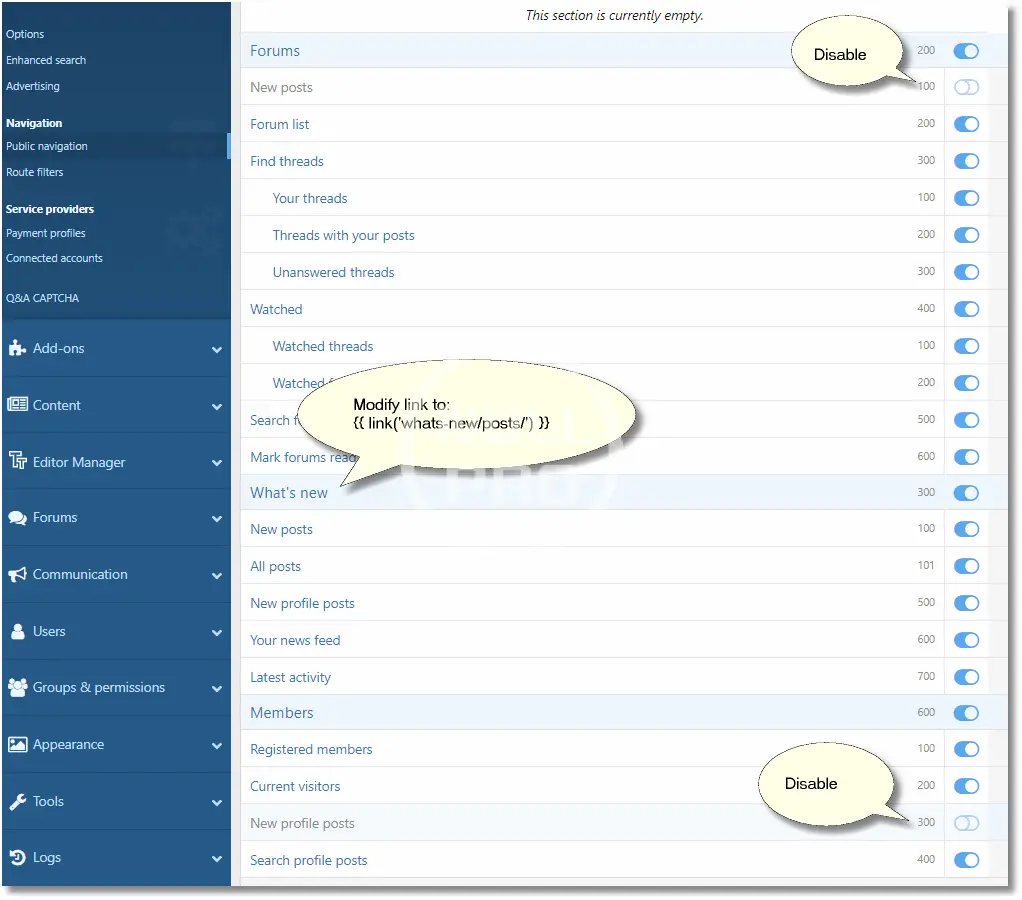
After installation it is recommended (but not needed!) to modify some navigation items to make things more intuitive / consistent. This will really help your users understand what is going on:
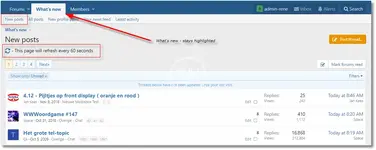
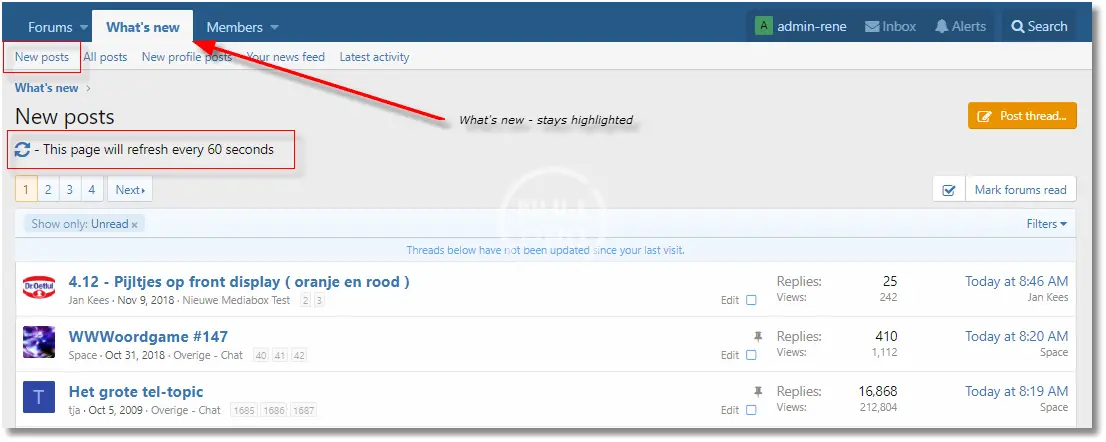
- Always highlight the What's new menu
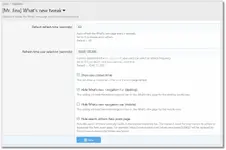
If you select "New Post", Xenforo would normally highlight the menu "Forums". To be more consistent I choose to always highlight "What's new" for all items related to new stuff. Same goes for "All new profile posts". This will also work with any add-on that uses new content, like XFRM, XFMG and third-party add-ons. - Auto refresh / update the What's new and Latest activity page [option]
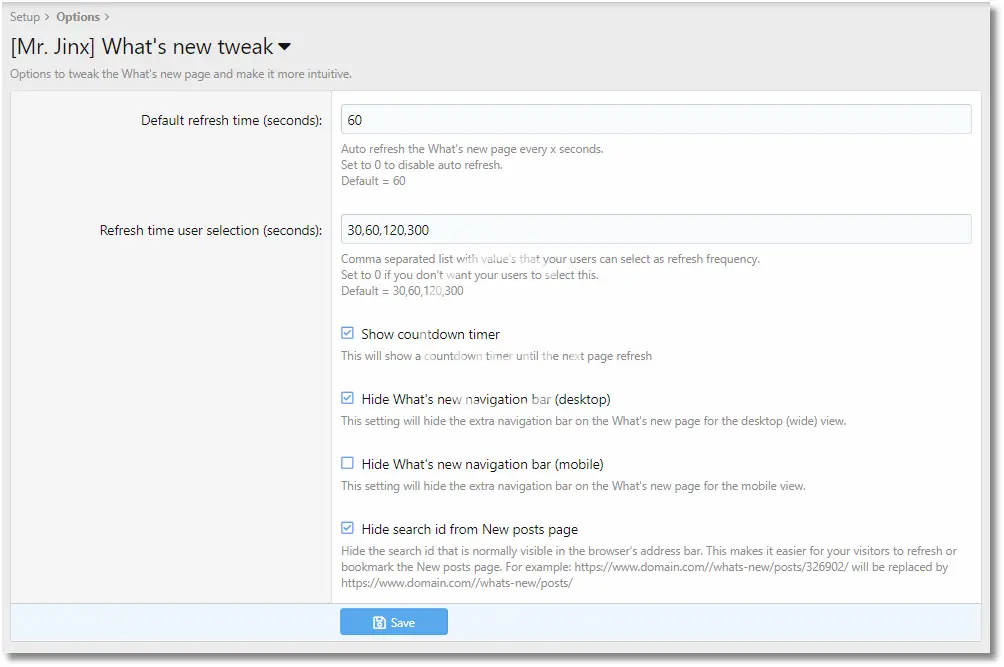
This will automatically refresh the first page of What's new section every x seconds. It will also refresh the Latest activity page. Active users will like this feature if they have a window opened to watch your forum. Users have the option to enable or disable auto refreshing with one click. - User select refresh frequency [option]
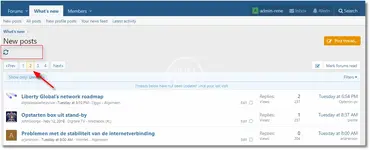
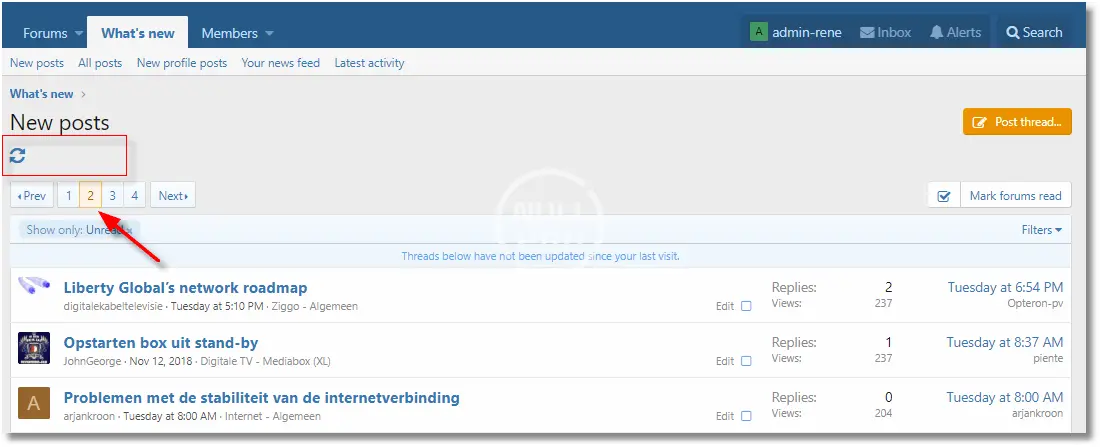
The admin can define a set of refresh frequency options in the admin panel. This lets your users select a desired refresh interval. - Add a refresh button to the What's new section
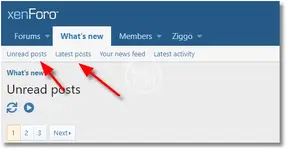
Extra button to make refreshing the What's new page easier. - Add a "All posts" menu item
This will call a page which contains all the new posts (read and unread).. - Remove the extra (redundant?) menu bar [option]
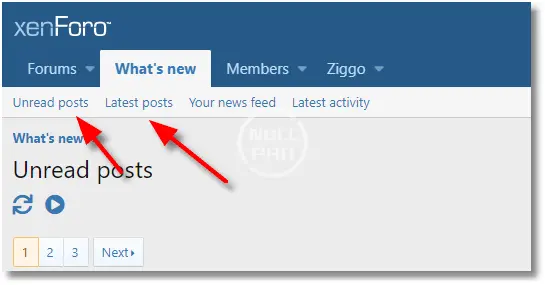
The What's new section contains an extra menu bar with basically the same items as the normal navigation menu. This is confusing so you can turn it off for desktop view. For mobile view this menu bar could be handy, so you can leave it on for mobile view if you like. - Hide search id from New Posts page [option]
Hide the search id that is normally visible in the browser's address bar. This makes it easier for your visitors to refresh or bookmark the New Posts page.
Example: https://www.domain.com//whats-new/posts/326902/ will be replaced by https://www.domain.com//whats-new/posts/ in the browser's address bar. - Remove "What's new" menu item from navigation bar [option]
- Change lightning bolt pointing to whats-new/posts/ [option]
- Copy the contents of the folder "upload" to your forum
- Go to your xenForo admin control panel > Addons
- Install the new addon
After installation it is recommended (but not needed!) to modify some navigation items to make things more intuitive / consistent. This will really help your users understand what is going on:
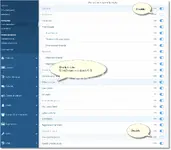
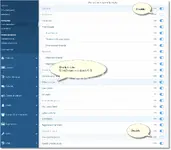
- Go to your xenForo admin control panel > Setup > Public navigation
- Disable "New posts" under the "Forums" section (this will force your users to use one place for new items).
- Disable "New profile posts" under the "Members" section (this will force your users to use one place for new items).
- Modify the "What's new" section, change the link to: {{ link('whats-new/posts/') }}
The "whats-new" link is basically the same as "whats-new/posts/" but with different layout. To make things more consistent, I choose to always use "whats-new/posts/" as this is the best way of presenting new posts.
-
 1556723117232.webp
 -
 1556723663157.webp
 -
 navigation (1).webp
 -
 navigation.webp
 -
 whatsnew1.webp
 -
 whatsnew2.webp


![[CinVin] Emoji Tweaks (use SVG images for emoji instead of PNG)](/data/resource_icons/4/4243.jpg?1736231875)
![[CinVin] Footer Tweaks](/data/resource_icons/4/4511.jpg?1720149262)
![[CinVin] Gravatar Tweaks](/data/resource_icons/4/4149.jpg?1720149256)