
![[XenDev] Advanced Reward & Badge System](/data/resource_icons/27/27133.jpg?1769132159)
- Compatibilidad con XF
- 2.3.x
- Descripción breve
- Enhance engagement and motivation with Trophy System, a modern forum add-on that displays visually rich trophies across postbits, user profiles, and tooltips. Strengthen community belonging by encouraging active participation and healthy competition. Download now to install and customize.
Trophy System is a modern trophy and badge system designed to reward forum users’ activity, increase engagement, and strengthen community motivation.
The add-on delivers a visually rich experience across the postbit, user profile, and tooltip areas.
Encourages users to stay active
Creates healthy competition and motivation within the forum
Enhances profile and message areas with rich visuals
Strengthens community belonging
The add-on is automatically displayed in the following areas:
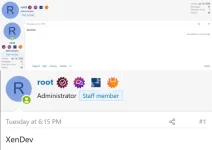
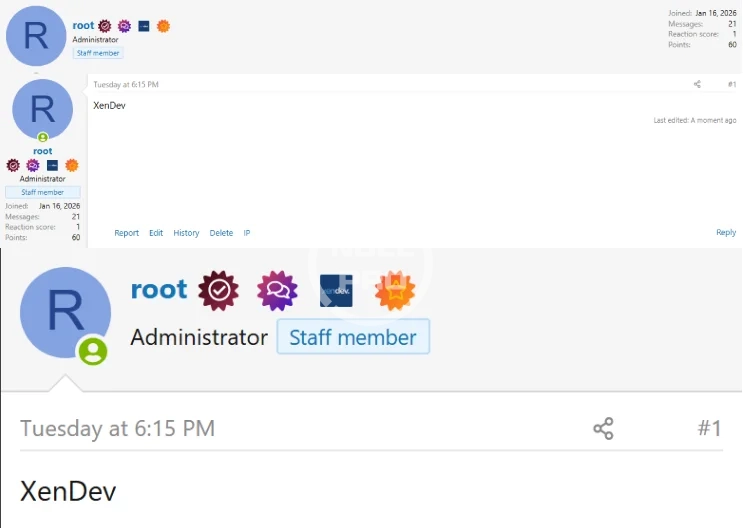
Postbit – Message area inside threads
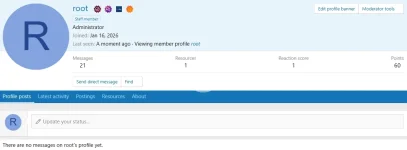
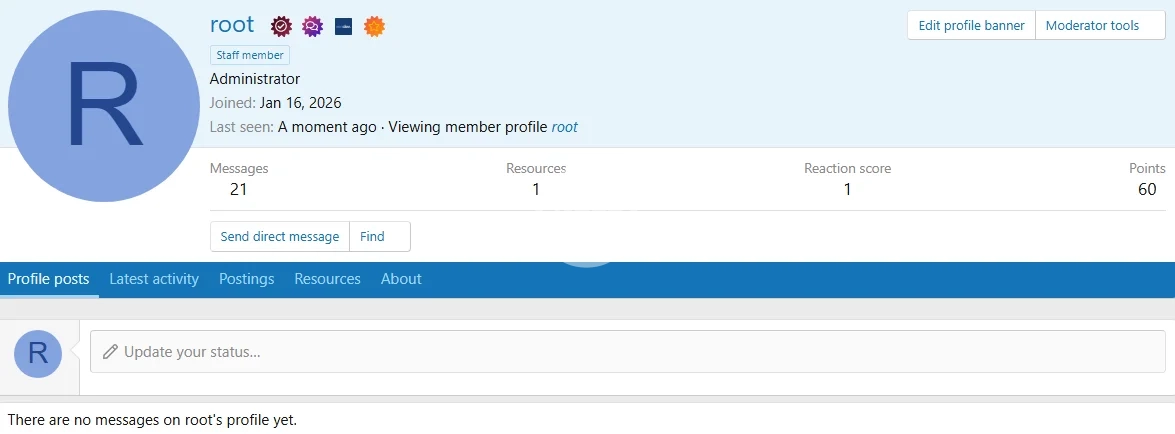
User Profile
User Tooltip Profile
This way, the trophies and badges users earn can be seen across the entire forum.
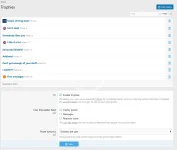
The Trophies section is the core of the add-on.
You can define trophies automatically or manually based on users’ behavior on the forum.
Reaching a specific message count
Time spent on the forum
Receiving likes
Special events and contests
Manual assignment by an administrator
XenDev Trophy System provides a flexible structure for visual customization.
Single color icon support
Gradient coloring
Custom icon and color per trophy
Modern, theme-compatible design
Spoiler: Info
Download the add-on package to your computer.
Log in to the XenForo Admin Control Panel.
Go to Add-ons → Install/Upgrade.
Select the add-on archive and upload it.
After the upload is complete, enable the add-on.
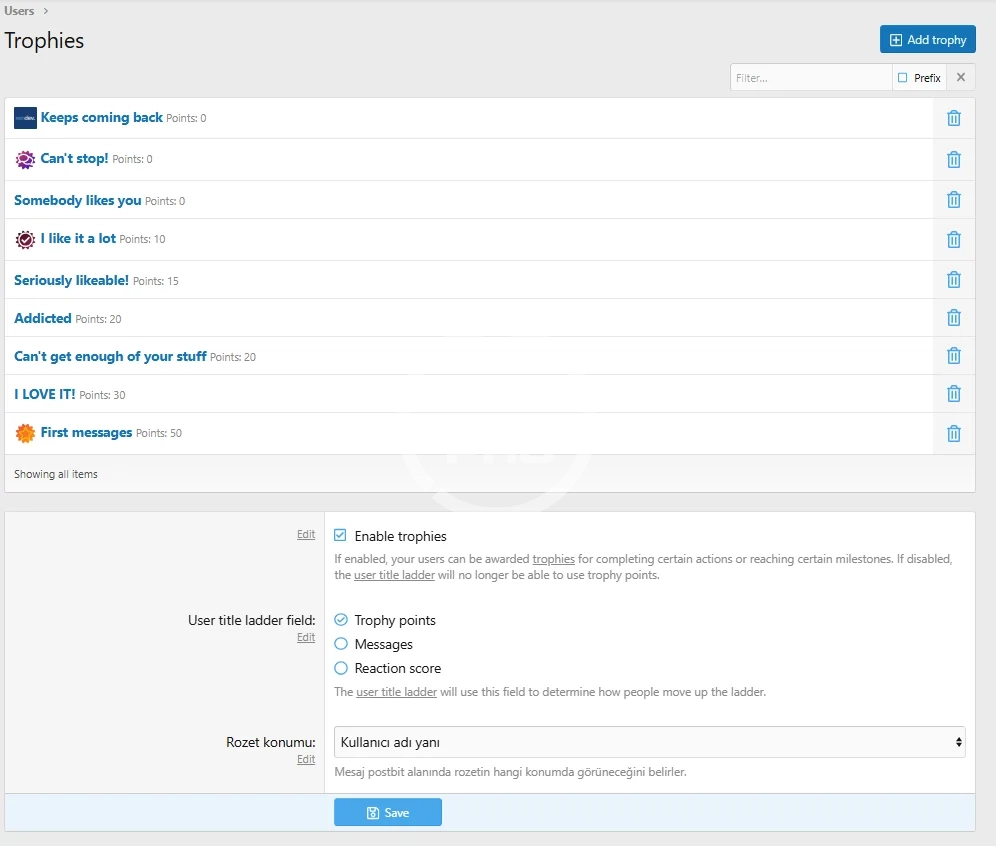
Enable / disable the trophy system
Trophy ordering/sorting
Postbit, profile, and tooltip display controls
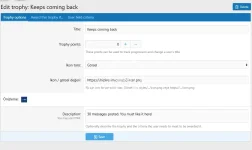
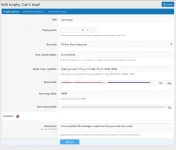
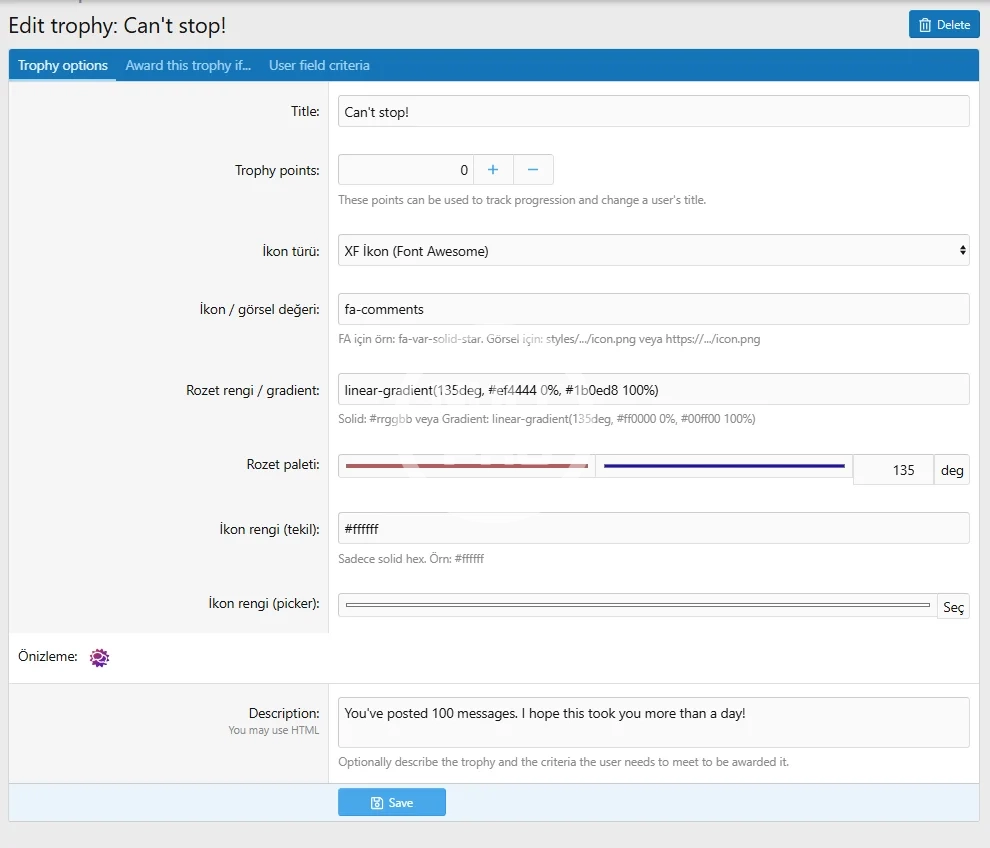
You can add new trophies or edit existing ones via the Admin Panel.
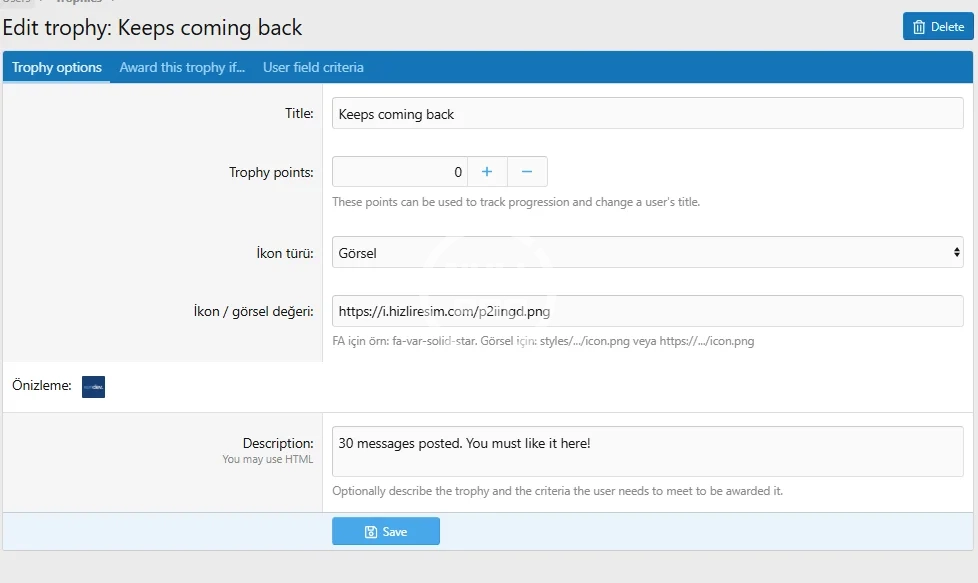
Trophy Name: Title shown to the user
Trophy Description: How it is earned
Trophy Icon: FontAwesome or a custom icon
Color Setting: Single color or gradient
Spoiler: Tip
Postbit trophy display
Profile trophy list
Tooltip trophy area
Each area can be enabled or disabled independently.
You can directly add the following texts under your promotional images.
The add-on delivers a visually rich experience across the postbit, user profile, and tooltip areas.
Encourages users to stay active
Creates healthy competition and motivation within the forum
Enhances profile and message areas with rich visuals
Strengthens community belonging
The add-on is automatically displayed in the following areas:
Postbit – Message area inside threads
User Profile
User Tooltip Profile
This way, the trophies and badges users earn can be seen across the entire forum.
The Trophies section is the core of the add-on.
You can define trophies automatically or manually based on users’ behavior on the forum.
Reaching a specific message count
Time spent on the forum
Receiving likes
Special events and contests
Manual assignment by an administrator
XenDev Trophy System provides a flexible structure for visual customization.
Single color icon support
Gradient coloring
Custom icon and color per trophy
Modern, theme-compatible design
Spoiler: Info
Download the add-on package to your computer.
Log in to the XenForo Admin Control Panel.
Go to Add-ons → Install/Upgrade.
Select the add-on archive and upload it.
After the upload is complete, enable the add-on.
Enable / disable the trophy system
Trophy ordering/sorting
Postbit, profile, and tooltip display controls
You can add new trophies or edit existing ones via the Admin Panel.
Trophy Name: Title shown to the user
Trophy Description: How it is earned
Trophy Icon: FontAwesome or a custom icon
Color Setting: Single color or gradient
Spoiler: Tip
Postbit trophy display
Profile trophy list
Tooltip trophy area
Each area can be enabled or disabled independently.
You can directly add the following texts under your promotional images.
-
 Ekran görüntüsü 2026-01-23 214124.webp
 -
 Ekran görüntüsü 2026-01-23 184648.webp
 -
 Ekran görüntüsü 2026-01-23 212348.webp
 -
 Ekran görüntüsü 2026-01-23 214136.webp
 -
 Ekran görüntüsü 2026-01-23 214148.webp


![[AddonFlare] (AJAX) Advanced Forum Stats](/data/resource_icons/0/800.jpg?1720149240)
![[AddonFlare] Paid Ads (Powerful Ad Rotation System)](/data/resource_icons/7/7148.jpg?1720149273)
