- Compatibilidad con PrestaShop
- 1.7.x
- Descripción breve
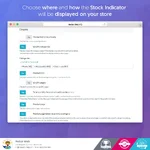
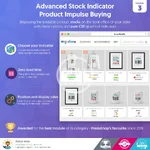
- Enhance your Prestashop store with our Advanced Stock Indicator module. Display customizable CSS graphical indicators on product pages, specific categories, and more. Custom rules allow you to manage different product quantities efficiently.
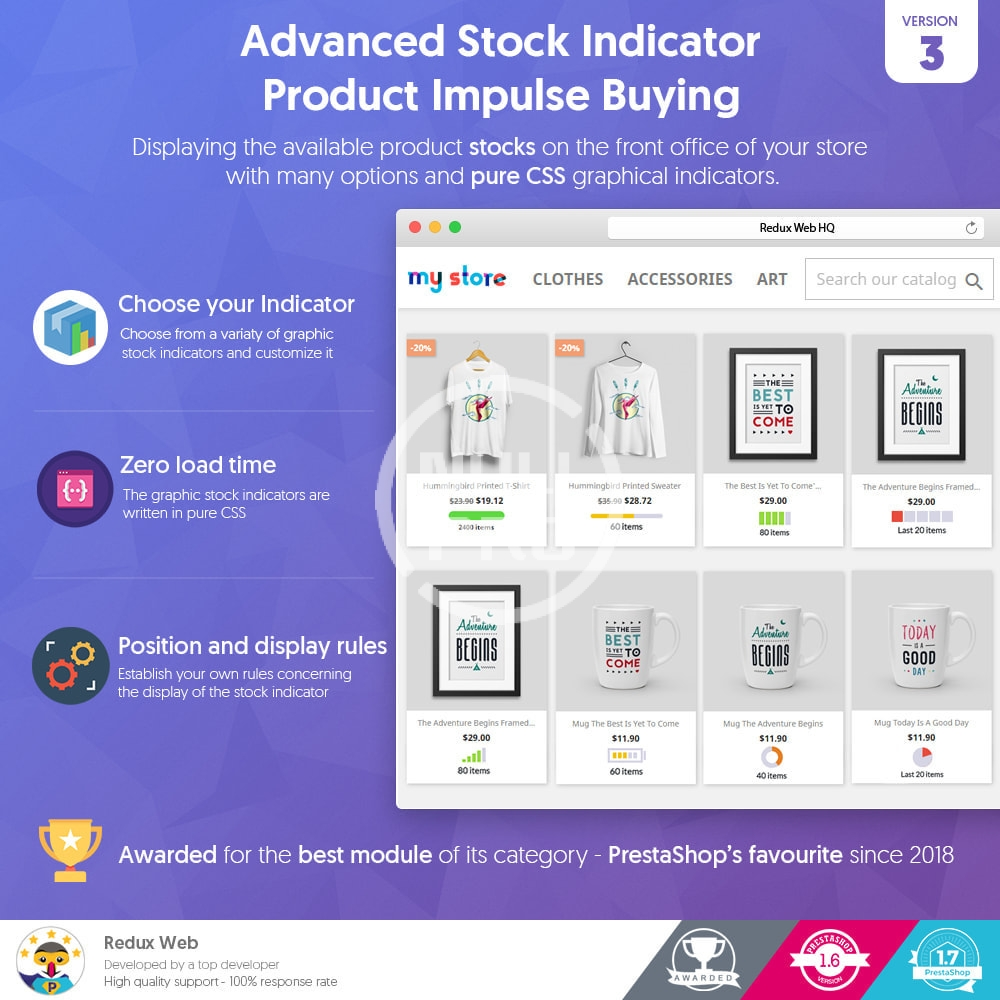
Our module gives you the option of displaying the available product stocks on the front office of your store with many options and pure CSS graphical indicators.
Features
Advanced Stock Indicator - Product Impulse Buying Prestashop module comes with the following features:
General
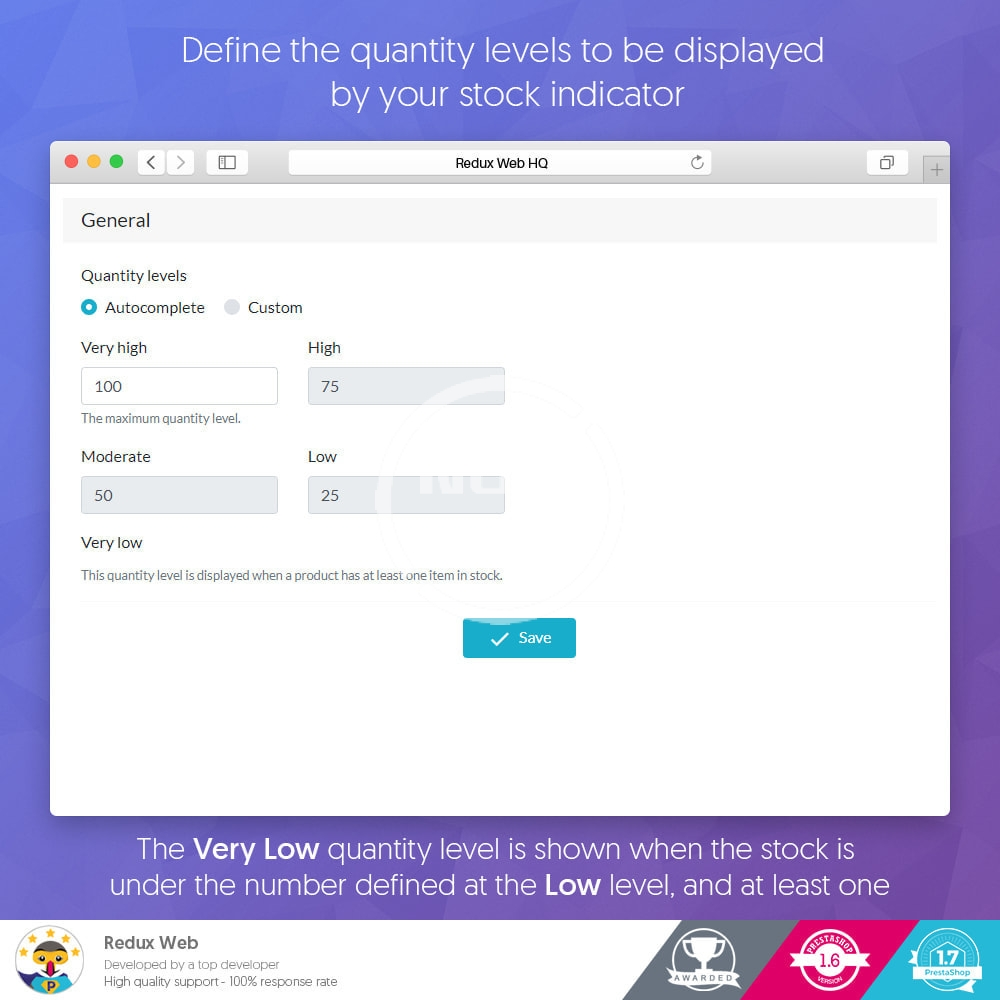
- Set your quantity levels. You can choose between custom or automatic quantity levels.
Display
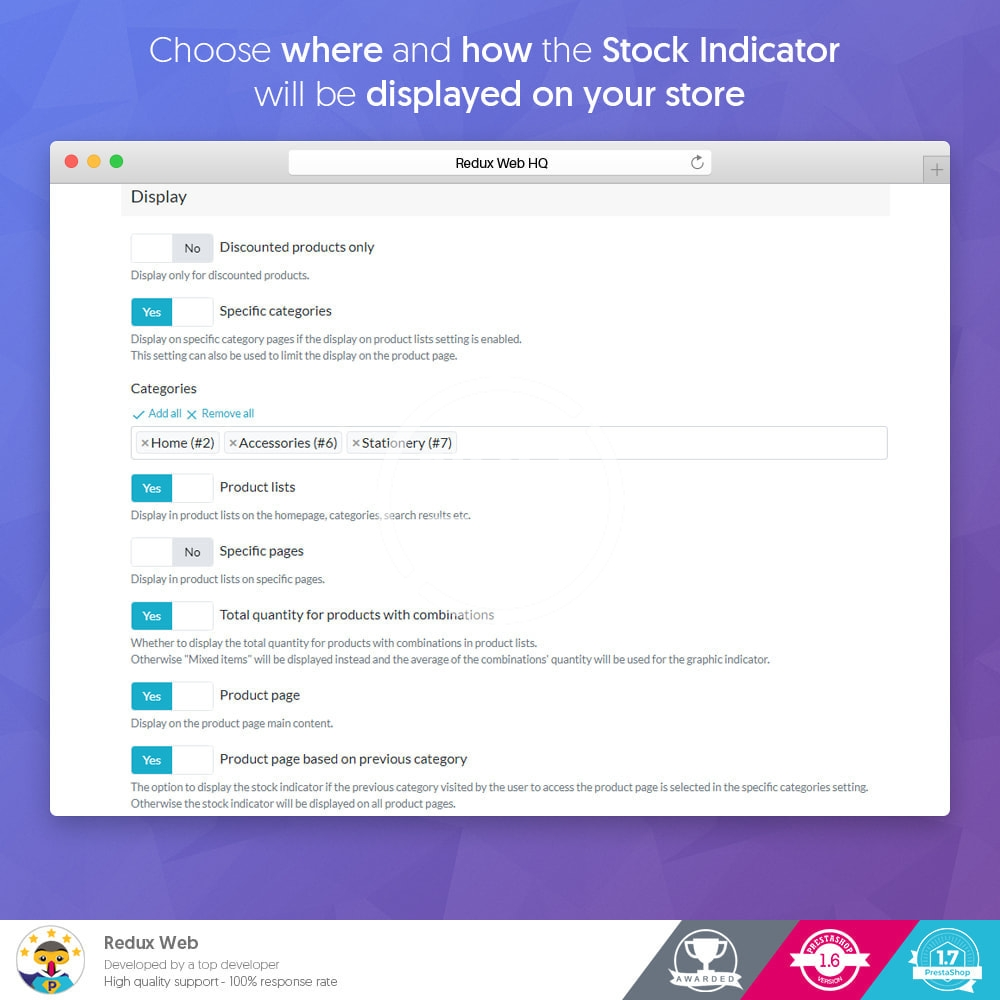
- Display only on products with discount.
- Display on specific categories.
- Display in product lists on the homepage, categories, search results etc.
- Display on specific pages (in product lists).
- Display total quantity for products with combinations. Otherwise "Mixed items" will be displayed instead and the average of the combinations quantity.
- Display on product page.
- Display the stock indicator if the previous category visited by the user to access the product page is selected in the specific categories setting. Otherwise the stock indicator will be displayed on all product pages.
Custom rules
This feature is useful when you have different classes of products that also have very different quantity ranges.
Note: The product based rules take precedence over the category based rules.
Create rules applied to products or categories
- Give the rule a name (optional)
- Select the type (category or product)
- Set the priority of the rule (the higher the value, the higher the priority will be compared to other rules of the same type)
- Enable/Disable the rule
- Set the quantity levels (choose between custom or automatic quantity levels).
Design
- Choose an indicator design
Customize the indicator
- Display number of items
- Mask number of items
- Display pre-order status (this is useful when a product is out of stock but still available for order)
- Display progressive colors
- Customize the colors of the indicator
Features
Advanced Stock Indicator - Product Impulse Buying Prestashop module comes with the following features:
General
- Set your quantity levels. You can choose between custom or automatic quantity levels.
Display
- Display only on products with discount.
- Display on specific categories.
- Display in product lists on the homepage, categories, search results etc.
- Display on specific pages (in product lists).
- Display total quantity for products with combinations. Otherwise "Mixed items" will be displayed instead and the average of the combinations quantity.
- Display on product page.
- Display the stock indicator if the previous category visited by the user to access the product page is selected in the specific categories setting. Otherwise the stock indicator will be displayed on all product pages.
Custom rules
This feature is useful when you have different classes of products that also have very different quantity ranges.
Note: The product based rules take precedence over the category based rules.
Create rules applied to products or categories
- Give the rule a name (optional)
- Select the type (category or product)
- Set the priority of the rule (the higher the value, the higher the priority will be compared to other rules of the same type)
- Enable/Disable the rule
- Set the quantity levels (choose between custom or automatic quantity levels).
Design
- Choose an indicator design
Customize the indicator
- Display number of items
- Mask number of items
- Display pre-order status (this is useful when a product is out of stock but still available for order)
- Display progressive colors
- Customize the colors of the indicator
-
 advanced-stock-indicator-product-impulse-buying (1).webp
 -
 advanced-stock-indicator-product-impulse-buying (2).webp
 -
 advanced-stock-indicator-product-impulse-buying.webp